
Your bus, on your phone.
See where your bus is and get a message before it reaches your stop.


Coming soon to Google Play and the App Store. Your transport operator will send you the link.
Three steps, and you're done.
-
1
Install TrackMyRide
Open Google Play or the App Store, search for TrackMyRide, and install it.
-
2
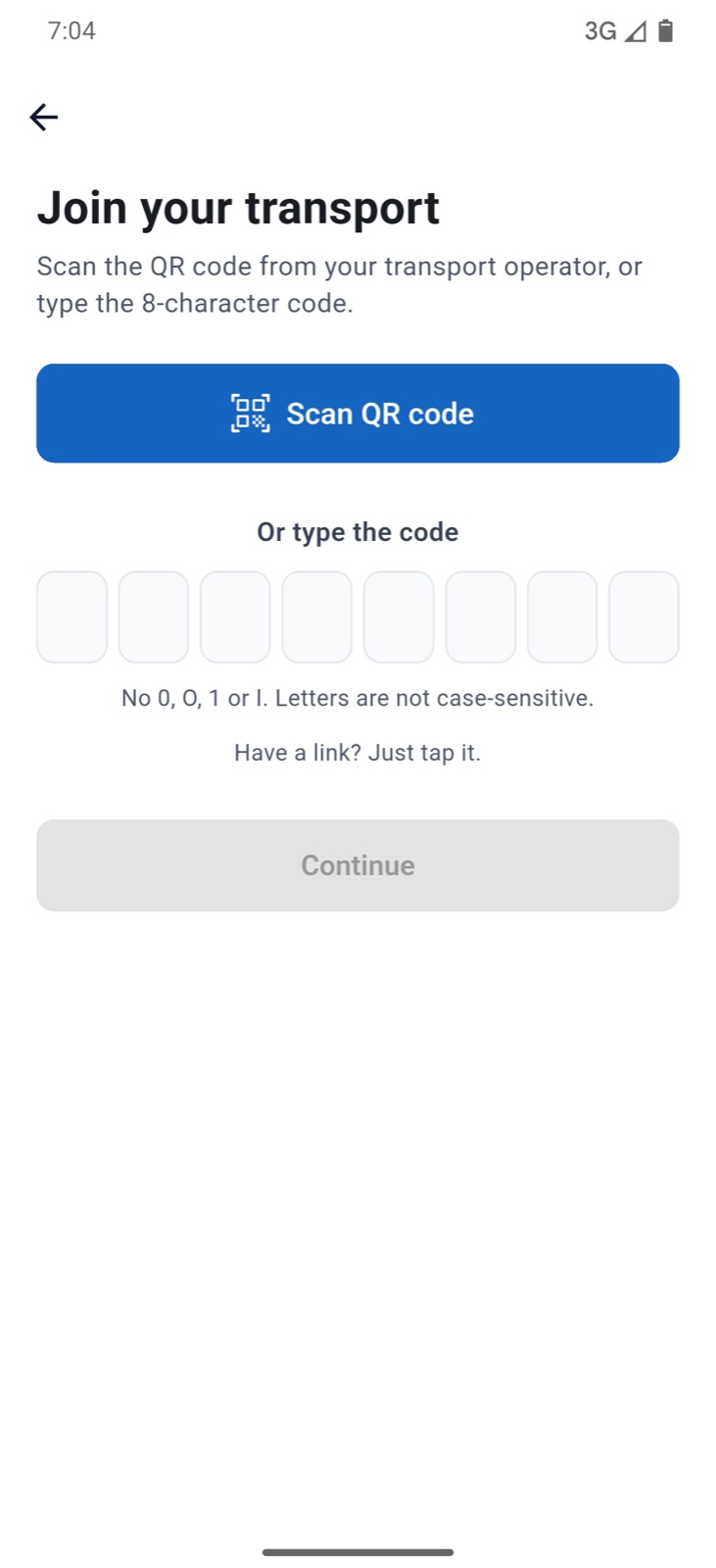
Scan the QR code from your transport operator
Open the app, tap “Scan or enter invite” and point your phone at the QR code. If you have a code instead, type the 8 characters.
-
3
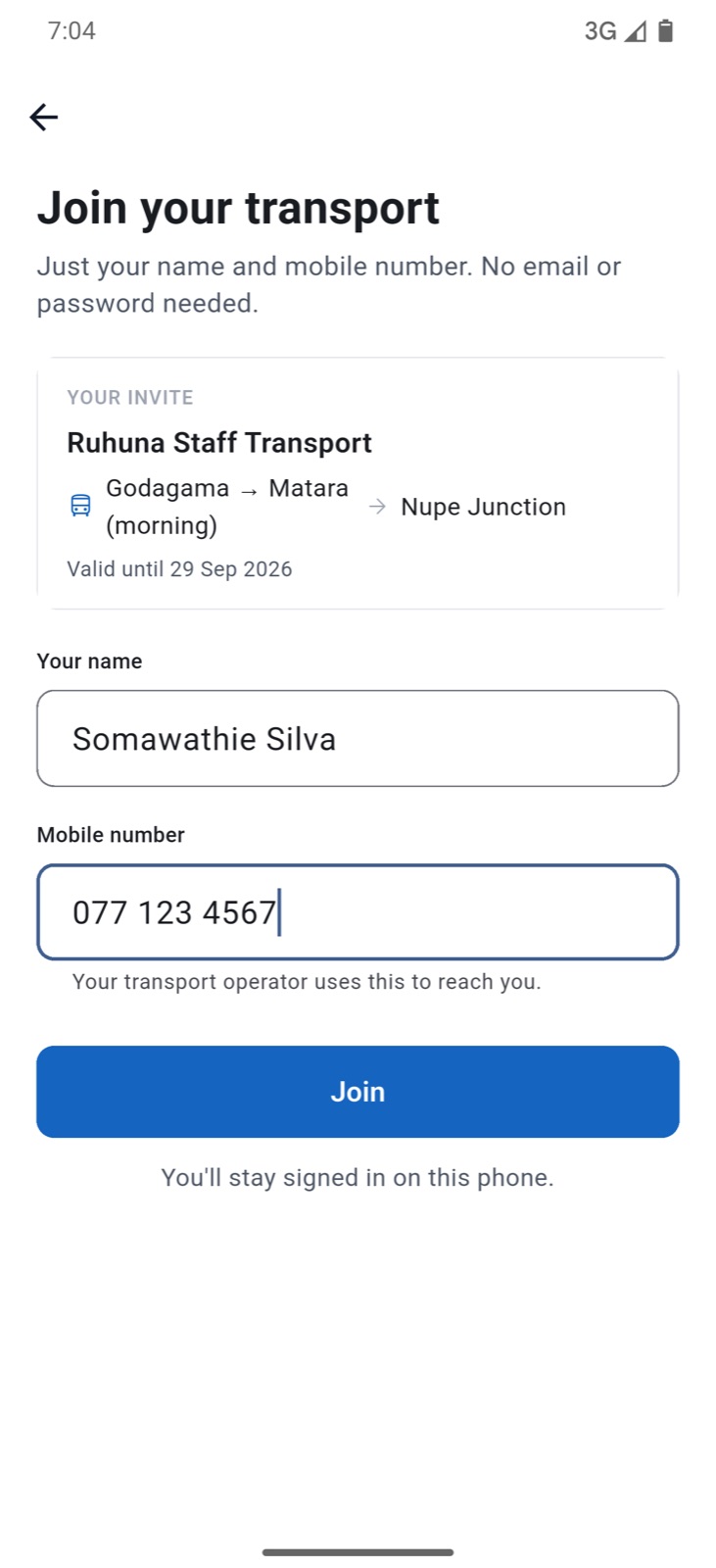
Enter your name and mobile number
That's it. No email address and no password to remember.
 TrackMyRide
What you'll see
Your bus on a map, and the minutes to your stop
“8 min to Nupe Junction.” It updates as the bus moves.
A message before the bus arrives
“Bus 1 is 10 min away.” You choose how many minutes before your stop.
Updates when the service changes
When a service starts, is delayed or is cancelled, you hear about it straight away.
New phone?
Ask your transport operator for a sign-in link.
No invite yet?
Your transport operator sends it. You cannot sign up on your own.